Billed yearly
Yearly
$39.99/ year
Starts with a 7-day free trial for eligible new subscribers, then $39.99 a year.
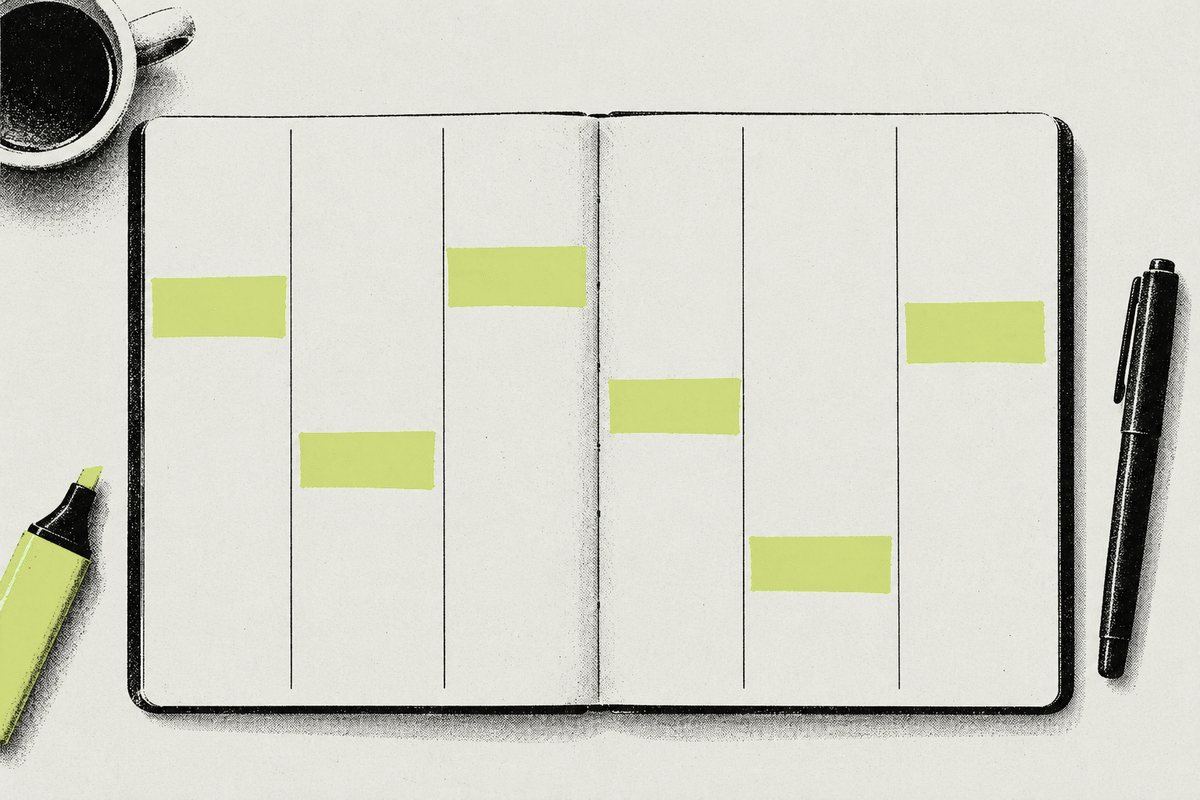
Focus sessions · Weekly timetable · iPhone
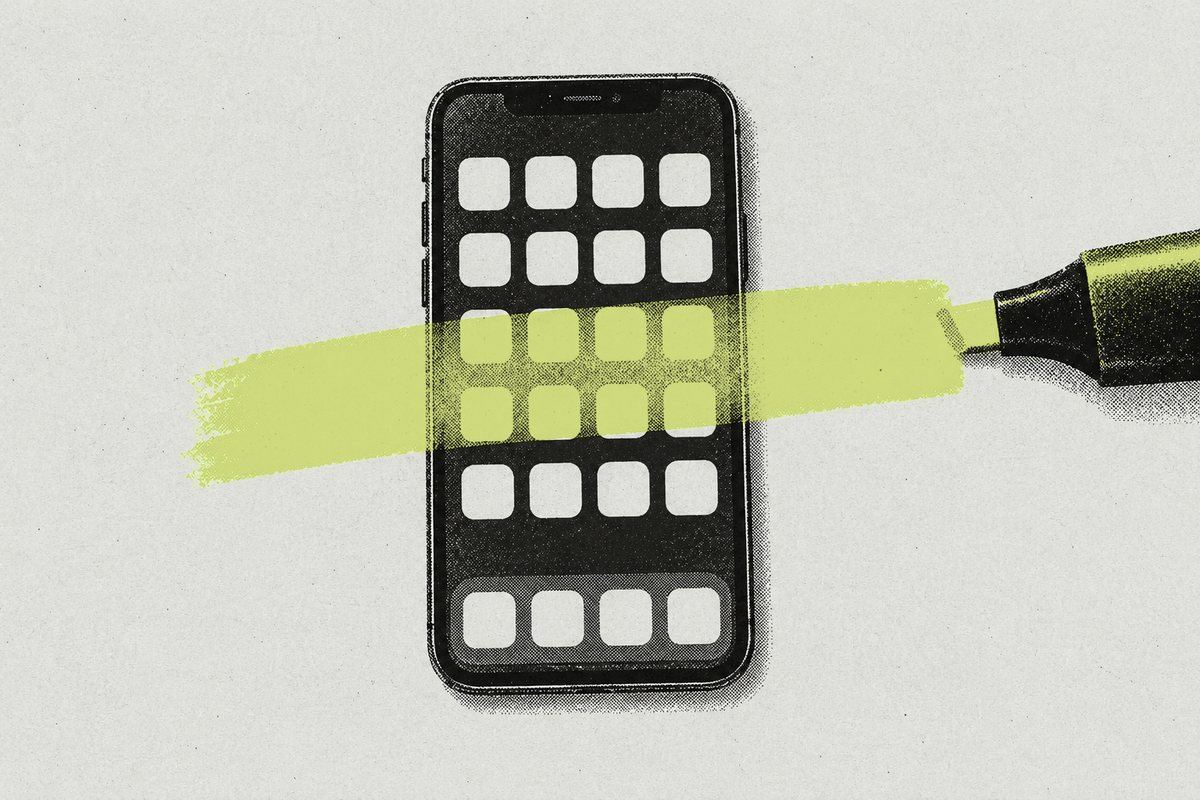
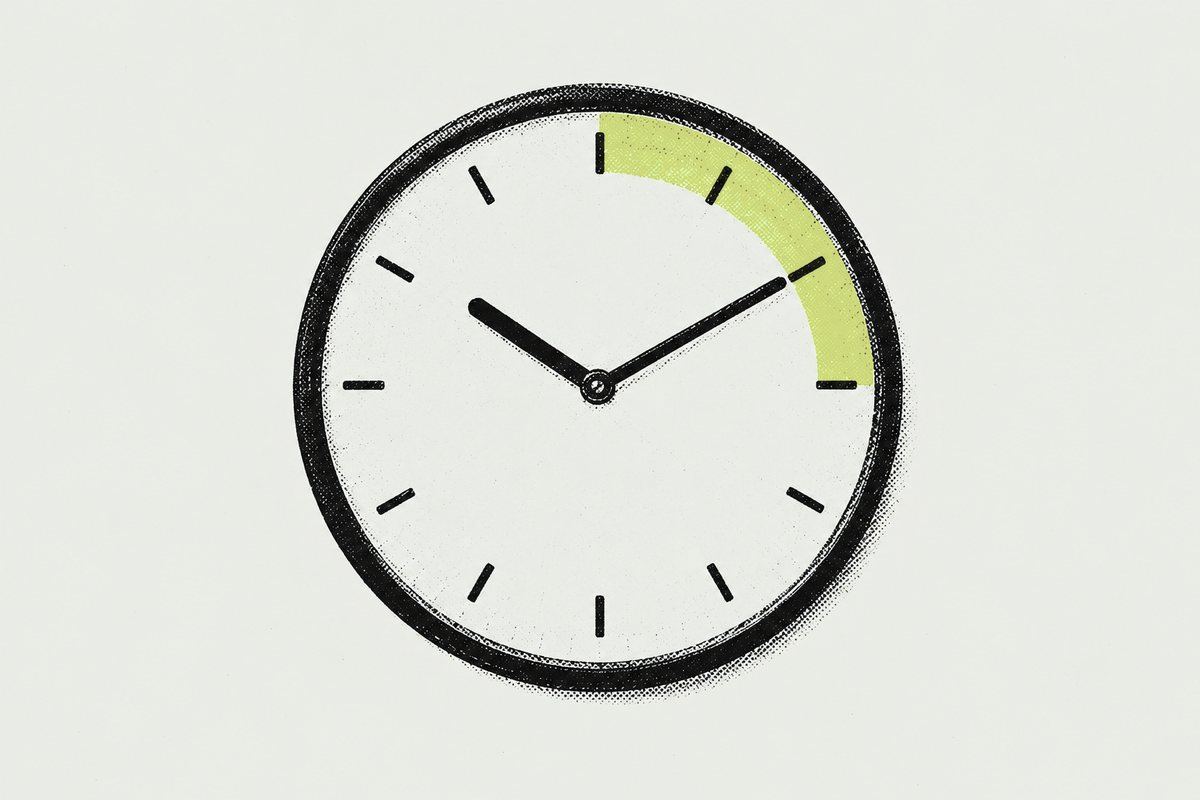
Pick the apps that pull you away, start a 25- or 50-minute session, and Study Lock blocks only those until you're done. Everything else on your iPhone keeps working.
For adults 18+ · 7-day free trial on yearly
Focus session
25 min
Your chosen apps are blocked until the session ends.
How it works
Choose the apps that distract you. Study Lock uses Apple's Screen Time to block only those, only when you've decided to study.
Focus sessions
Weekly timetable
Always in your control
History
Private by design
Pricing
Study Lock requires a subscription to use blocking features.
Billed yearly
$39.99/ year
Starts with a 7-day free trial for eligible new subscribers, then $39.99 a year.
Billed monthly
$5.99/ month
Charged when you subscribe. No trial.
Prices shown in US dollars; the App Store sets prices in other regions. Payment is charged to your Apple ID at confirmation of purchase, or when the free trial ends. Subscriptions renew automatically unless canceled at least 24 hours before the end of the current period. Manage or cancel in Settings › Apple ID › Subscriptions.
Study Lock is for adults aged 18 and over.
Study Lock for iPhone